

Print Fulfillment, Inventory and Recurring Print Programs
Plan recurring print work with practical guidance on inventory, reorders, campaign kits, version control and distribution across multiple locations.
Make recurring print easier to control
Recurring print programs are rarely difficult because of a single brochure, sign or insert. The difficulty comes from repetition: deciding what to stock, knowing when to reorder, keeping approved versions available and getting the right materials to the right teams on time. Quick Prints Fulfillment covers those operational decisions for marketing, procurement, ecommerce, franchise, retail, agency, sales and event teams.
The focus is the system around the printed piece. That includes inventory planning, reorder points, safety stock, release approvals, kit contents, destination lists, SKU ownership and version retirement. Coverage also examines the tradeoffs between stocked inventory and print on demand, centralized control and local flexibility, and lower production prices versus the full cost of storage, handling, distribution and waste.
Find the right starting point
If shortages and rush reprints are the immediate problem, begin with Inventory & Reordering. For campaign boxes, onboarding materials or grouped promotional items, use Kitting & Distribution. Multi-Location Print addresses permissions, budgets, local ordering and brand control across branches, franchises or dealer programs. Ecommerce & Packaging Inserts focuses on recurring inserts, eligibility rules, seasonal cutovers and coordination with packing workflows.
Use Marketing Collateral Operations when the challenge is maintaining an orderly library of brochures, sales sheets, signage and campaign pieces. Print Procurement & Workflow covers approvals, specifications, supplier coordination and total operating cost. Print Fulfillment connects these decisions into an end-to-end view of how production, inventory, release rules and distribution interact. Start with the failure point causing the most waste, delay or confusion, then work outward to the surrounding process.
Latest print operations guides

Localized Marketing Materials: How to Personalize Without Creating Version Chaos
Local teams can personalize marketing materials without creating uncontrolled artwork. The answer is a governed workflow with controlled fields, locked templates, location IDs, formal approvals and one…
Read more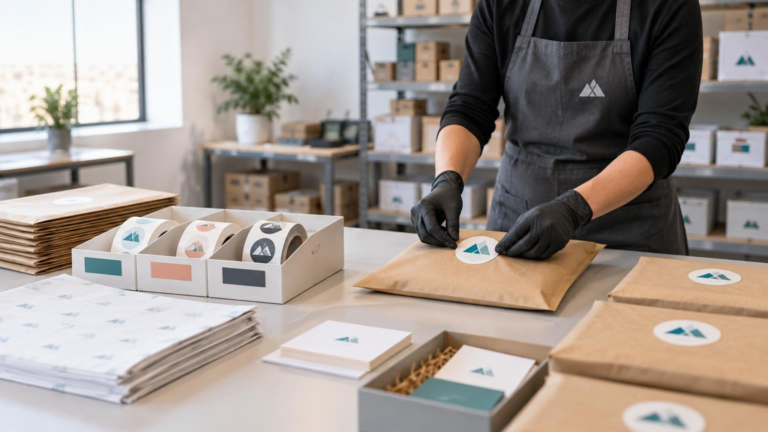
How to use stickers as low-cost packaging branding — Inventory, Kitting, and Fulfillment Guide
A practical system for using branded stickers on recurring ecommerce packaging while controlling placement, application labor, inventory, versions, and reorders.
Read more
Drop-Ship Printing Explained: When Should Print Go Straight to the Final Recipient?
Drop-ship printing can eliminate an extra handling stage, but it also turns every destination into a fulfillment record. Compare it with centralized inventory before choosing a workflow.
Read more
Centralized Print Procurement: How to Standardize Without Slowing Every Request
Centralize print standards, suppliers, versions, and records without forcing every request through the same approval queue. This four-tier workflow preserves control while keeping routine orders moving.
Read more
Best Stickers for Nonprofits: Events, Donor Mail, Volunteer Kits, and Giveaways
A practical guide to choosing nonprofit stickers for giveaways, donor outreach, events and volunteer kits while controlling proofs, inventory and reorders.
Read more
Promotional Products for Remote Employees: Inventory, Kitting, and Fulfillment Guide
Build a repeatable remote employee kit program with useful products, modular kit recipes, controlled inventory, current artwork, accurate addresses, and clear release checks.
Read moreBuild a program people can follow
A workable print program makes responsibilities visible. Teams should know which items are approved, who can order them, what quantity is reasonable, when artwork expires and what happens to old stock. The practical goal is not maximum inventory or minimum unit cost. It is a controlled flow of current materials with enough flexibility to handle real demand, seasonal changes and location-specific needs without creating avoidable rushes or obsolete collateral.
Good operations also make exceptions easier to spot. When a request falls outside the approved catalog, budget, version or timing plan, the team can decide deliberately instead of discovering the problem after production or delivery has begun.